Property Finder and Bayut can generate a significant volume of inquiries for UAE real estate brokerages.
But generating leads is only the beginning.
What happens in the first few minutes, hours and days after an inquiry reaches the brokerage can determine whether that lead becomes an active opportunity — or simply disappears into the database.
For a growing real estate company, managing portal leads effectively requires more than forwarding inquiries to agents.
It requires a structured process for:
Lead capture → Assignment → Response → Qualification → Follow-up → Viewing → Transaction → Reporting
This guide explains how UAE brokerages can build that process.
What Happens When a Property Portal Lead Comes In?
A buyer or tenant finds a listing on a property portal and submits an inquiry.
From the customer's perspective, the process is simple.
From the brokerage's perspective, several things now need to happen:
The inquiry needs to reach the brokerage.
The lead needs to be recorded.
The correct agent needs to receive it.
The agent needs to be notified.
The client needs to be contacted.
The inquiry needs to be qualified.
Follow-up needs to be scheduled.
Suitable properties may need to be identified.
A viewing may need to be arranged.
Management needs visibility over what happened.
The quality of this process matters just as much as the number of leads being generated.
The Biggest Problem Isn't Lead Generation. It's Lead Leakage.
A brokerage may spend heavily on portal exposure and advertising while still losing opportunities after the inquiry has already been generated.
This is known as lead leakage.
Lead leakage can happen when:
An inquiry isn't assigned quickly
An agent misses a notification
Nobody follows up after the first call
An agent leaves the company
Lead ownership isn't clear
Client requirements aren't recorded
Leads remain under inactive agents
Management cannot see untouched inquiries
Follow-ups happen outside the CRM
Leads are marked with inconsistent statuses
The brokerage has already acquired the opportunity.
The operational problem happens afterward.
That's why improving portal ROI shouldn't only focus on generating more inquiries.
It should also focus on what happens to every inquiry you already receive.
Step 1: Centralize Property Finder and Bayut Leads
The first requirement is creating a single source of truth.
Portal leads should enter a centralized lead-management system rather than being managed separately across different platforms, inboxes or spreadsheets.
Each lead should ideally include relevant information such as:
Name
Contact details
Lead source
Property of interest
Listing reference
Inquiry time
Assigned agent
Current status
Activities
Notes
Follow-up date
This allows management to answer a fundamental question:
What happened to every lead we received?
Without centralized data, answering that question becomes difficult.
Step 2: Automate Lead Assignment
Once a lead enters the CRM, it needs an owner.
For a small team, manual assignment may be manageable.
For a brokerage receiving large numbers of inquiries across multiple agents and teams, it becomes increasingly difficult.
Automatic lead assignment can distribute inquiries according to predefined business rules.
Depending on the brokerage and CRM configuration, those rules might consider:
Team
Agent availability
Working hours
Property type
Lead source
Language
Area specialization
Round-robin rotation
Other internal assignment criteria
The objective is not simply automation.
The objective is consistent and accountable distribution.
Step 3: Define What Happens If an Agent Doesn't Act
This is one of the most important parts of lead management.
Assigning a lead does not mean the lead has been handled.
Brokerages should establish a clear rule for what happens when the assigned agent doesn't take the required action.
For example:
New lead arrives
↓
Agent receives notification
↓
Response window begins
↓
Agent accepts/actions the lead
OR
No action → escalation or reassignment
The exact rules should depend on the brokerage's operating model.
But there should be a process.
Otherwise, automation simply distributes leads faster without solving lead leakage.
Step 4: Measure Response Time
Brokerages should monitor the time between:
Lead received → First meaningful action
This provides management with visibility over how efficiently portal inquiries are being handled.
But response time shouldn't be analyzed in isolation.
A fast response doesn't necessarily mean a qualified conversation took place.
Management should ultimately connect response activity with downstream outcomes such as:
Contact → Qualification → Viewing → Transaction
That helps distinguish activity from performance.
Step 5: Standardize Lead Qualification
Not every portal inquiry is ready to transact immediately.
Agents need a consistent way to understand the client's requirements.
For a buyer, this might include:
Budget
Preferred location
Property type
Number of bedrooms
Purpose: investment or end use
Cash or finance
Preferred timeline
Off-plan or ready property
For a tenant:
Budget
Area
Property type
Bedrooms
Move-in date
Furnishing preference
Cheques/payment requirements
Capturing structured requirements makes future follow-up and property matching much more effective.
Step 6: Don't Stop After the First Contact Attempt
A common operational mistake is treating:
No answer
as:
No opportunity.
A client may be at work, travelling, in a meeting or simply unable to answer at that moment.
Brokerages should define a follow-up process rather than leaving follow-up entirely to individual memory.
For example, the CRM can help structure:
Initial contact attempt
↓
Follow-up task
↓
Second contact
↓
Additional follow-up
↓
Qualified / nurturing / lost
The precise cadence should reflect the brokerage's sales approach and communication rules.
The important part is that the next action is recorded.
Step 7: Use Clear Lead Statuses
If every agent uses different terminology, management reporting quickly becomes unreliable.
Define a standardized pipeline.
For example:
New
Inquiry received.
Contacted
Initial contact has taken place.
Qualified
Requirements have been confirmed.
Viewing
A property viewing has been scheduled or completed.
Negotiation
An active commercial discussion is underway.
Won
The opportunity resulted in a completed transaction.
Lost
The opportunity is no longer active, with a reason recorded.
Your exact pipeline may differ.
Consistency is more important than the specific labels.
Step 8: Record Why Leads Are Lost
“Lost” alone doesn't tell management anything.
A brokerage should understand why opportunities are being lost.
Possible reasons could include:
Budget mismatch
Property unavailable
Client already working with another agent
Unable to contact
Timeline changed
Location mismatch
Client no longer interested
Duplicate inquiry
Invalid contact information
Over time, this data can help management identify recurring operational or inventory problems.
Step 9: Connect the Lead to the Property
Portal leads don't arrive in isolation.
The client has usually inquired about a specific property.
That relationship should remain visible inside the CRM.
The agent should be able to see:
Who is the client?
Which property generated the inquiry?
Who owns or manages the listing?
Is it still available?
What alternatives could match the client's requirements?
This is one reason a real estate-specific CRM differs from a basic sales CRM.
The relationship isn't simply:
Contact → Deal
It is:
Client → Requirement → Property → Agent → Activity → Transaction
Step 10: Offer Alternatives When the Original Property Doesn't Work
The property that generated the inquiry may already be unavailable or may not ultimately suit the client.
That shouldn't automatically mean the opportunity is lost.
Once the agent understands the client's requirements, the next question should be:
What else can we offer?
A centralized CRM and listing database can make it easier to identify alternative inventory that matches the client's requirements.
This helps turn a listing inquiry into a broader client relationship.
Step 11: Track Viewings
Viewings are an important stage between qualification and transaction.
A brokerage should be able to record:
Property
Client
Agent
Date and time
Viewing status
Feedback
Next action
This gives management greater visibility over which qualified leads are progressing.
It also creates useful information for future follow-up.
Step 12: Connect Portal Leads to Transactions
This is where lead management becomes business intelligence.
If the CRM journey ends at:
Lead contacted
management knows very little about actual return.
Ideally, the journey continues:
Property Finder/Bayut → Lead → Agent → Viewing → Transaction → Commission
Now management can begin evaluating portal performance based on business outcomes rather than inquiry volume alone.
What KPIs Should Brokerages Track for Portal Leads?
Instead of focusing only on the total number of leads, management should consider a broader set of metrics.
Lead Volume
How many inquiries are coming from each source?
Assignment
How many leads were successfully assigned?
Response
How quickly are agents taking action?
Contact Rate
How many leads result in successful contact?
Qualification Rate
How many inquiries become qualified opportunities?
Viewing Rate
How many qualified clients progress to viewings?
Conversion
How many leads ultimately result in transactions?
Lost Reasons
Why are opportunities not progressing?
Agent Performance
How do results differ between agents and teams?
Source Performance
How do outcomes vary between lead sources?
The objective isn't simply to generate dashboards.
It is to understand where the brokerage's conversion funnel is working — and where it is breaking.
How Should a Brokerage Compare Property Finder and Bayut Lead Performance?
Avoid judging a portal only by the number of inquiries generated.
A source generating 1,000 leads isn't automatically more valuable than one generating 500.
Management should ideally compare:
Lead volume
↓
Contacted leads
↓
Qualified leads
↓
Viewings
↓
Transactions
↓
Revenue / commission
This creates a much more meaningful picture of source performance.
The question changes from:
“Which portal gives us more leads?”
to:
“Which sources are contributing to business outcomes?”
How Pixxi CRM Manages Property Finder and Bayut Leads
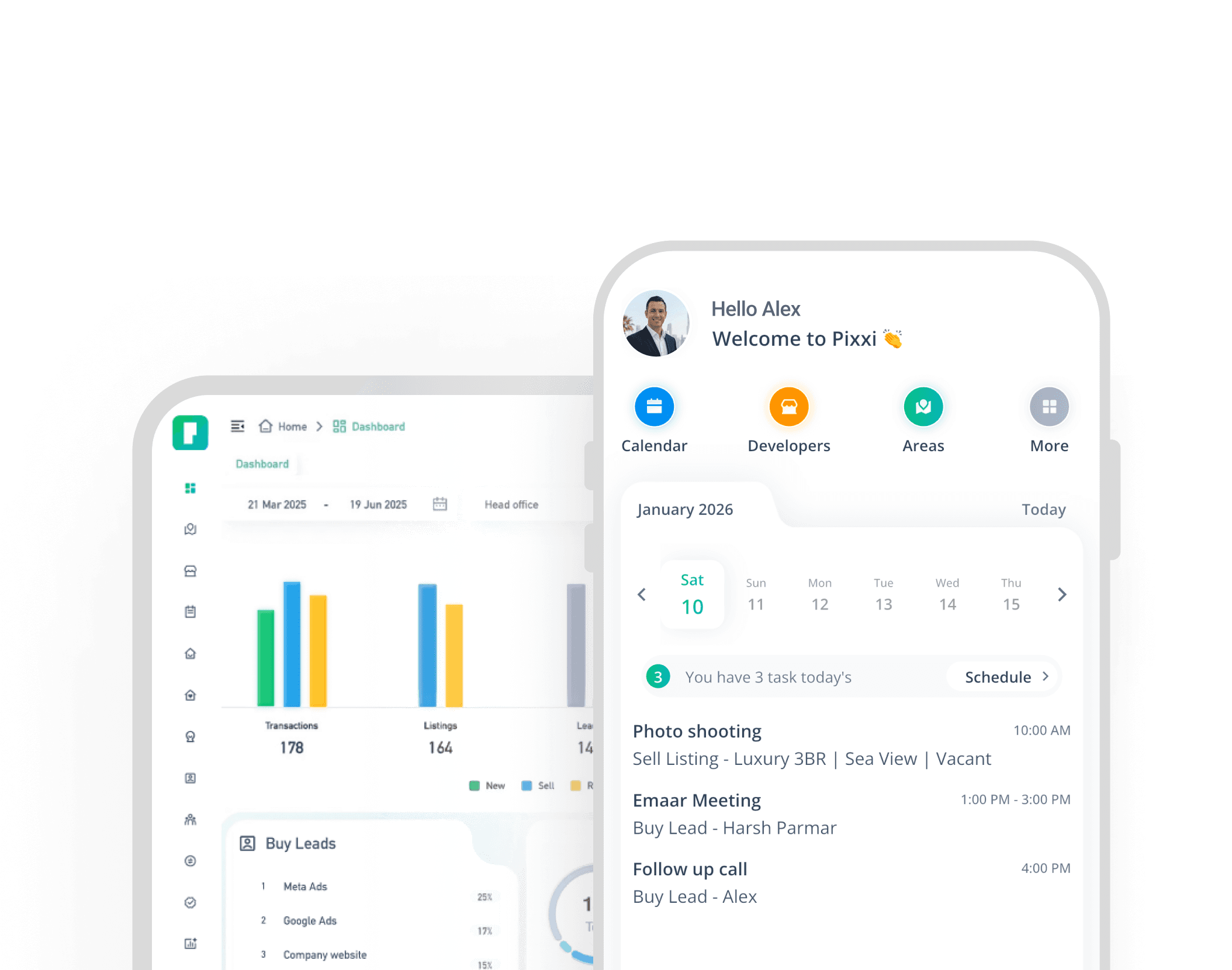
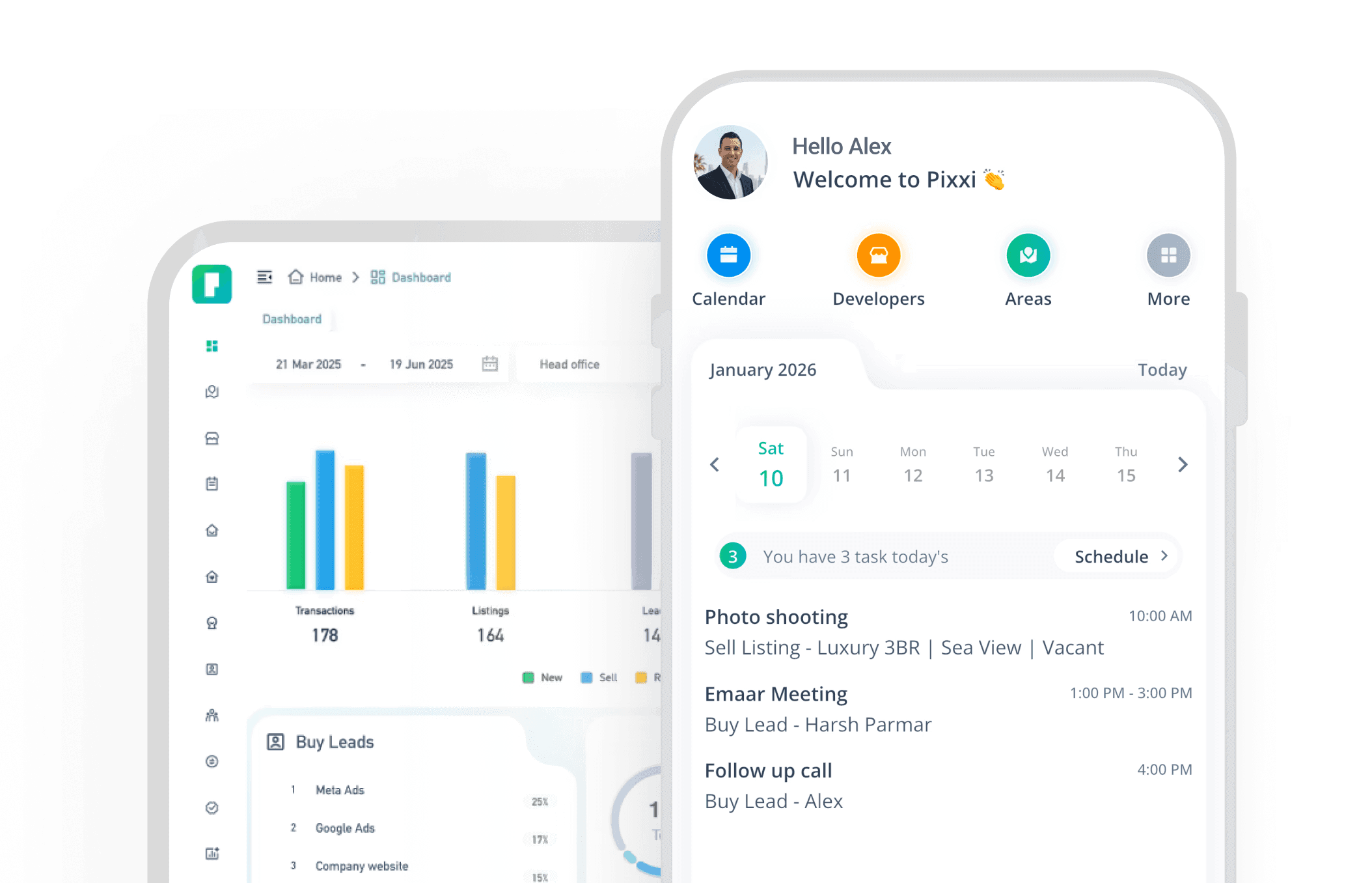
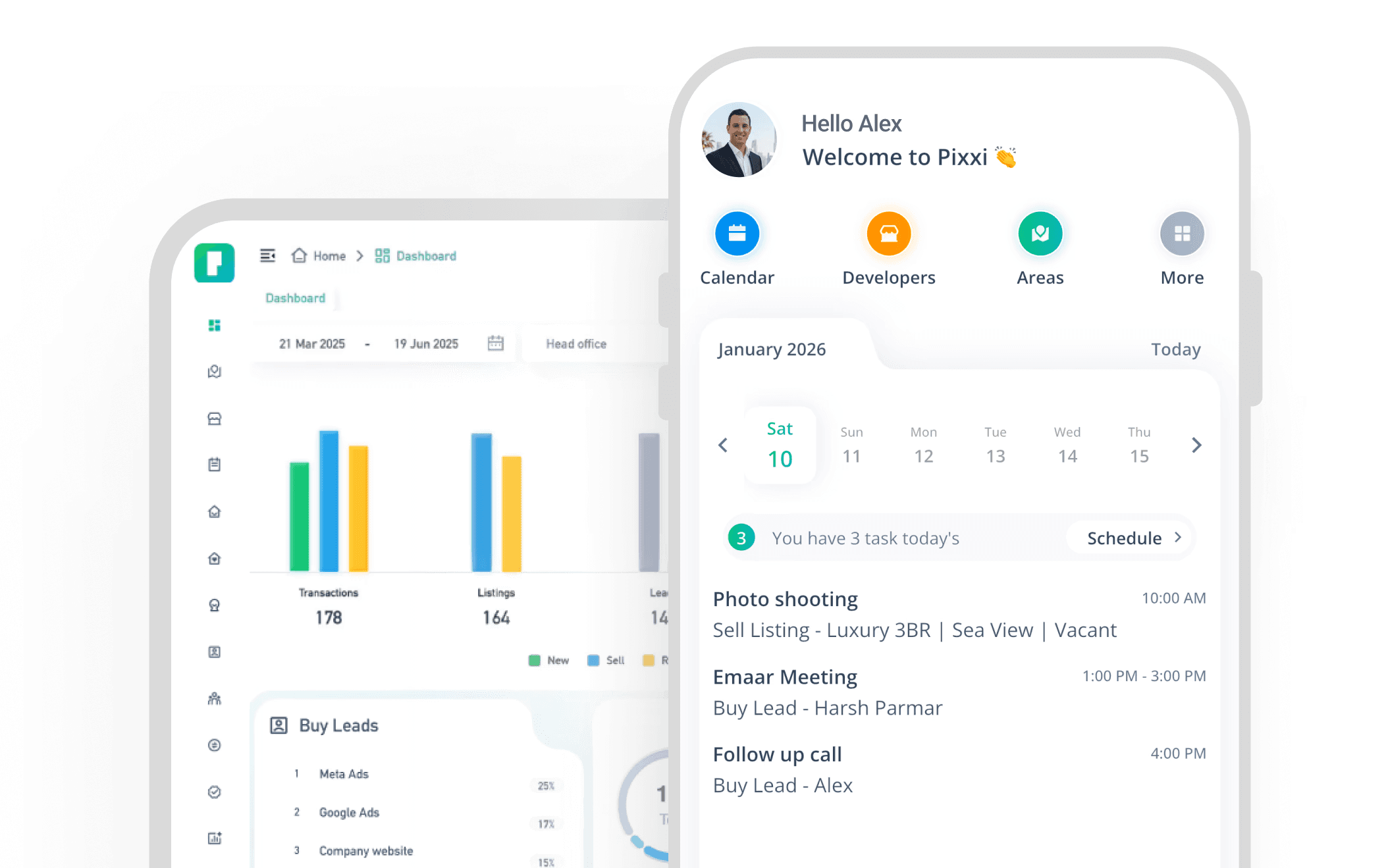
Pixxi CRM is designed around UAE real estate workflows and integrates lead management with the broader brokerage operation.
Portal inquiries can be captured centrally so teams can manage leads from one environment.
From there, brokerages can use Pixxi to:
Capture portal inquiries
Identify lead sources
Assign leads to agents
Configure lead rotation
Send notifications
Track activities and follow-ups
Record client requirements
Manage viewings
Connect clients with listings
Monitor agent activity
Analyze lead and team performance
Because leads, listings and transactions can exist within the same real estate CRM environment, management can gain greater visibility over the journey from initial inquiry to completed business.
Property Finder & Bayut Lead Management Checklist
Before evaluating your current process, ask:
Capture: Are all portal inquiries automatically entering one system?
Ownership: Does every lead have a clearly assigned agent?
Speed: Can management see when the agent first took action?
Escalation: What happens when an agent doesn't act?
Qualification: Are client requirements being recorded consistently?
Follow-up: Does every active opportunity have a next action?
Listings: Can agents connect client requirements with available inventory?
Viewings: Are viewing activities tracked?
Transactions: Can management identify which leads become deals?
Reporting: Can management compare performance by source, agent and team?
If several answers are no, the brokerage may have an opportunity to improve its lead-management process.
Frequently Asked Questions
Can Property Finder leads be sent directly to a CRM?
CRM integrations can allow Property Finder inquiries to enter a brokerage's CRM automatically. Exact capabilities depend on the CRM, portal and integration configuration.
Can Bayut leads be automatically assigned to agents?
A CRM with automated lead distribution can assign incoming leads according to configured brokerage rules.
What is lead rotation?
Lead rotation automatically distributes incoming inquiries among eligible agents based on predefined rules rather than requiring every lead to be assigned manually.
What happens if an agent doesn't respond to a lead?
This depends on the brokerage's workflow and CRM configuration. A structured system can help managers identify untouched leads and implement escalation or reassignment processes.
Should Property Finder and Bayut leads be managed separately?
They can be analyzed separately by source, but centralizing them inside one CRM can provide management with a unified view of agent activity, follow-up and conversion.
How can a brokerage measure portal ROI?
Rather than looking only at lead volume, connect each source with downstream outcomes such as qualification, viewings, transactions and commission or revenue.
Turn Portal Leads Into a Measurable Sales Process
Property Finder and Bayut can generate opportunities.
What happens after the inquiry reaches your brokerage is your operation.
The strongest lead-management process creates clear ownership at every stage:
Capture → Assign → Respond → Qualify → Follow Up → Match → View → Transact → Measure
When those stages are structured and measurable, management can identify where leads are progressing, where they are being lost and where the team can improve.
Pixxi CRM brings portal leads, agents, listings, activities, transactions and performance visibility into one UAE-focused real estate platform.
Want to see how your existing Property Finder and Bayut lead process could work inside Pixxi? Book a demo with our team.
Experience the fastest, most complete real estate CRM on mobile
With Pixxi, your entire business travels with you real-time updates, instant lead access, and seamless team communication.