Back to Integrations


Zapier
Overview
Zapier is one of the most powerful automation tools available, connecting over 5,000+ apps instantly to Pixxi CRM through Pixxi API Forms. While Pixxi already integrates natively with major platforms like Meta Ads, Property Finder, and Google, Zapier takes it further by allowing you to pull leads from almost any platform directly into Pixxi CRM, no coding required.
How to Setup
Create a Pixxi API Form inside your CRM.
Copy the form’s Webhook URL.
In Zapier, select Webhooks by Zapier, paste your Pixxi link, and map the lead fields (e.g., name, phone, email).
Publish your Zap, every new lead from your connected apps will appear automatically inside Pixxi CRM.
Benefits
Receive leads automatically from over 5,000 Zapier-connected apps.
Extend Pixxi CRM beyond native integrations, no limits.
No coding or complex setup required.
Centralize all your leads inside Pixxi CRM in real time.
Supported by Pixxi’s UAE-based technical team for easy setup and mapping.
Why It Matters
Real estate agencies use dozens of tools daily, from marketing platforms to spreadsheets. Through Pixxi API Forms + Zapier, all these tools communicate automatically, eliminating manual work and ensuring a seamless data flow across your entire real estate ecosystem.
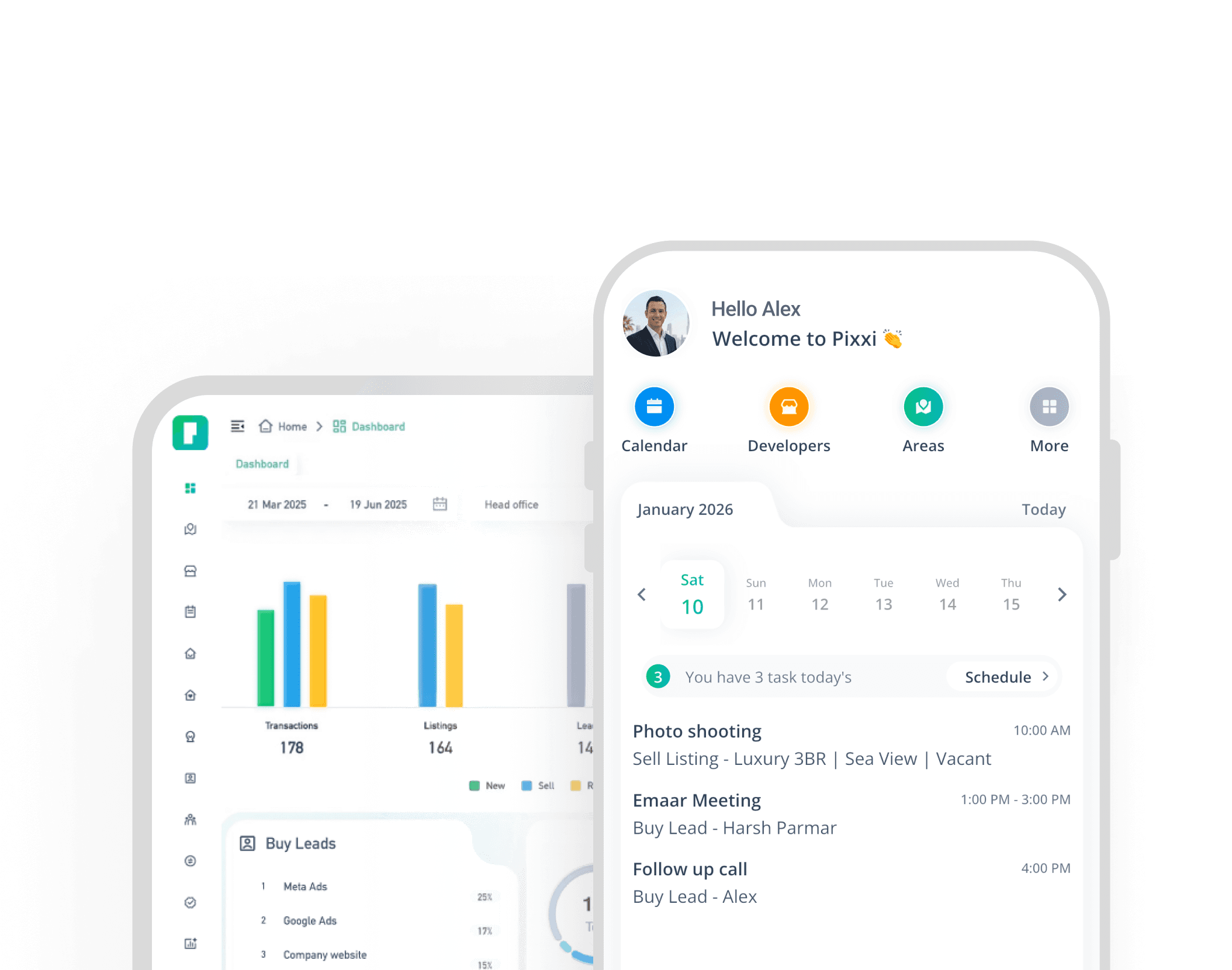
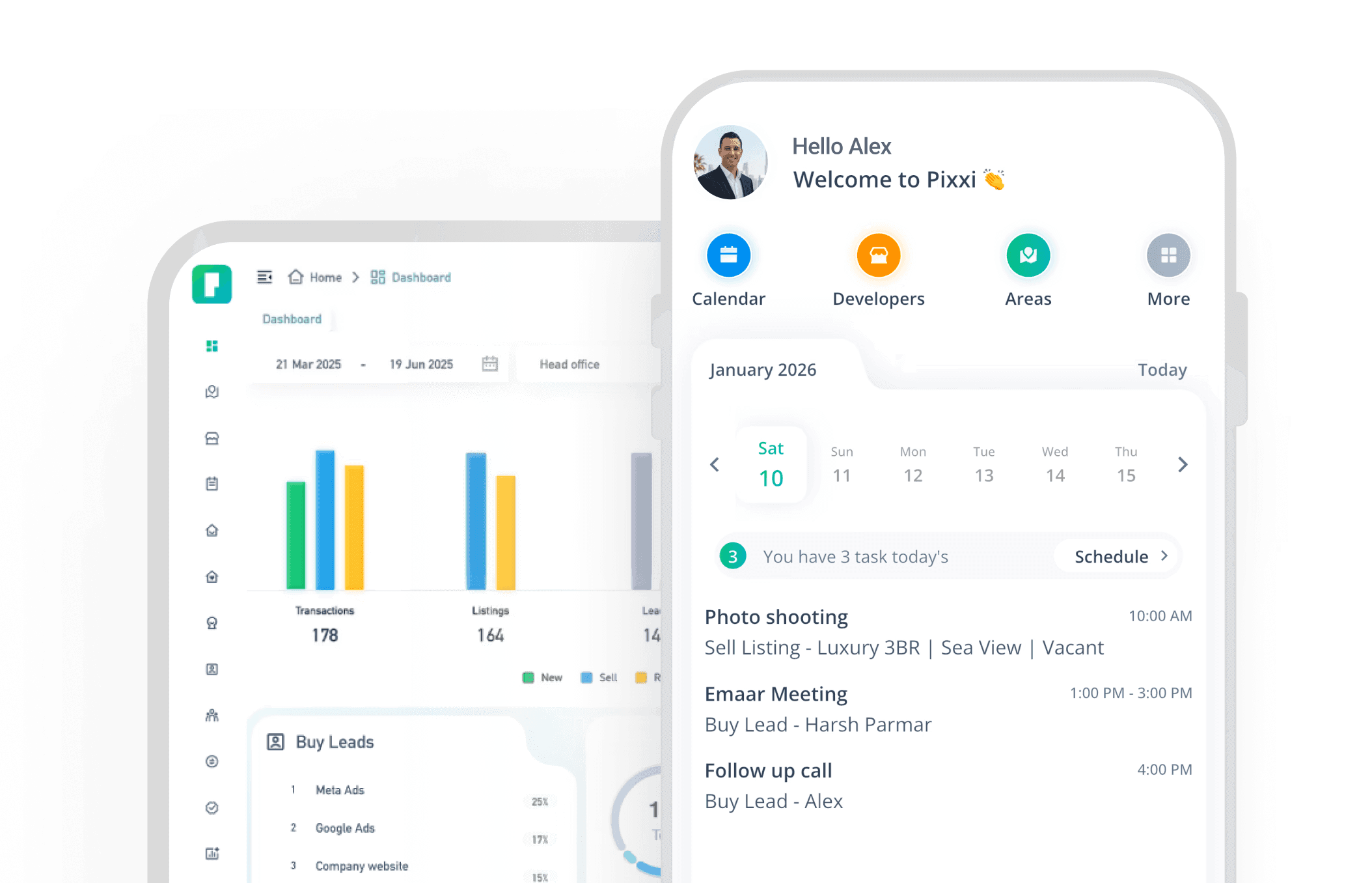
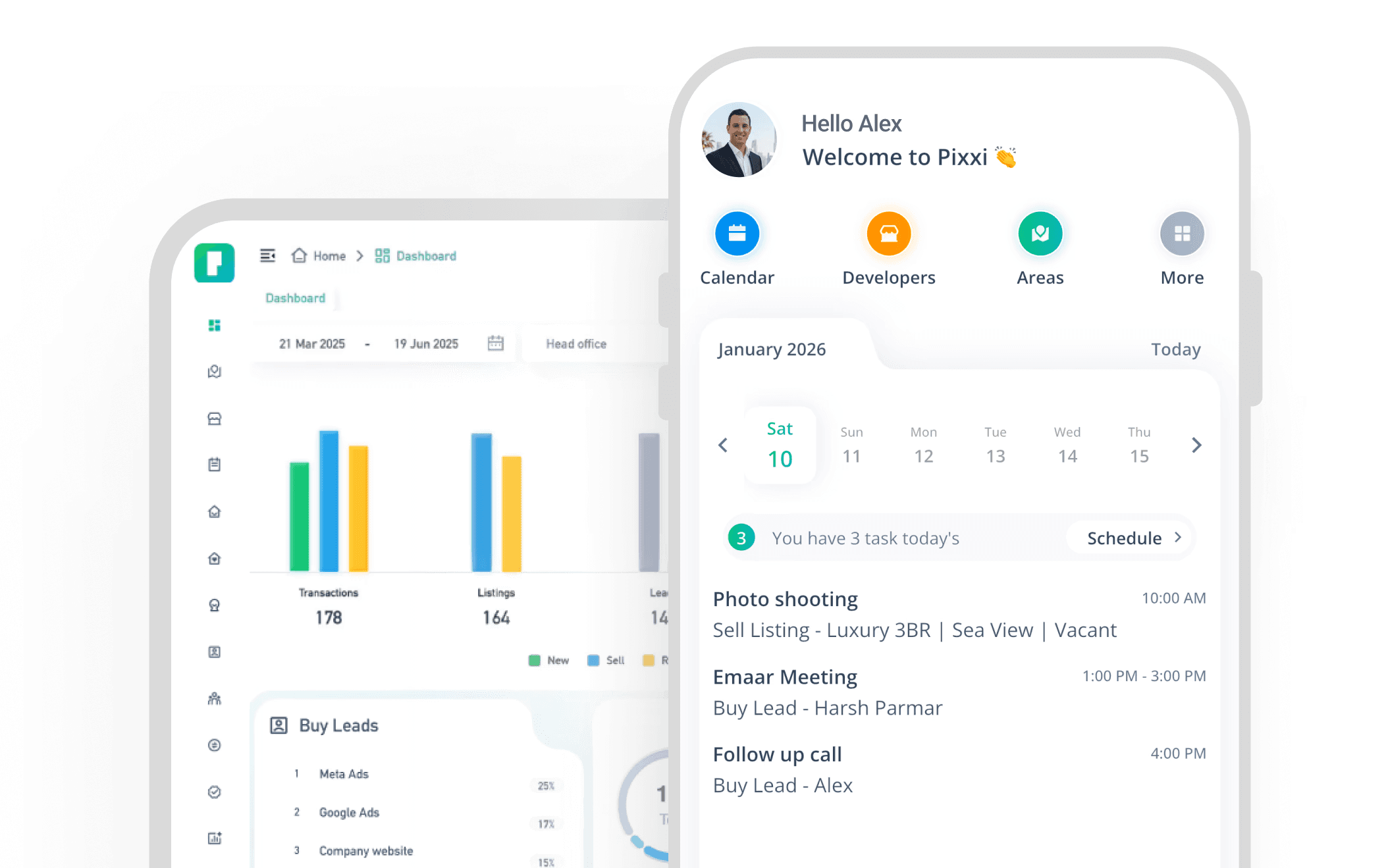
Experience the fastest, most complete real estate CRM on mobile
With Pixxi, your entire business travels with you real-time updates, instant lead access, and seamless team communication.