Back to Integrations

Google Ads
Overview
Launch and track high-performing Google Ads campaigns while capturing every lead directly into Pixxi CRM. This integration gives you full control and visibility over your marketing spend, ensuring every inquiry is tracked, assigned, and followed up, automatically.
How to Setup
Open Integrations → Google Ads in Pixxi CRM.
Link your Google Ads account.
Enable lead synchronization to begin receiving data.
Benefits
Instant lead capture from Google Ads campaigns into Pixxi CRM.
Performance tracking and ROI insights within your CRM dashboard.
Automated campaign reporting with no manual imports or spreadsheets.
24/7 UAE-based support for setup, tracking, and optimization.
Why It Matters
Google Ads remain one of the top-performing channels for UAE real estate agencies. By connecting directly to Pixxi CRM, you eliminate delays, improve lead follow-up speed, and ensure every click becomes a potential client.
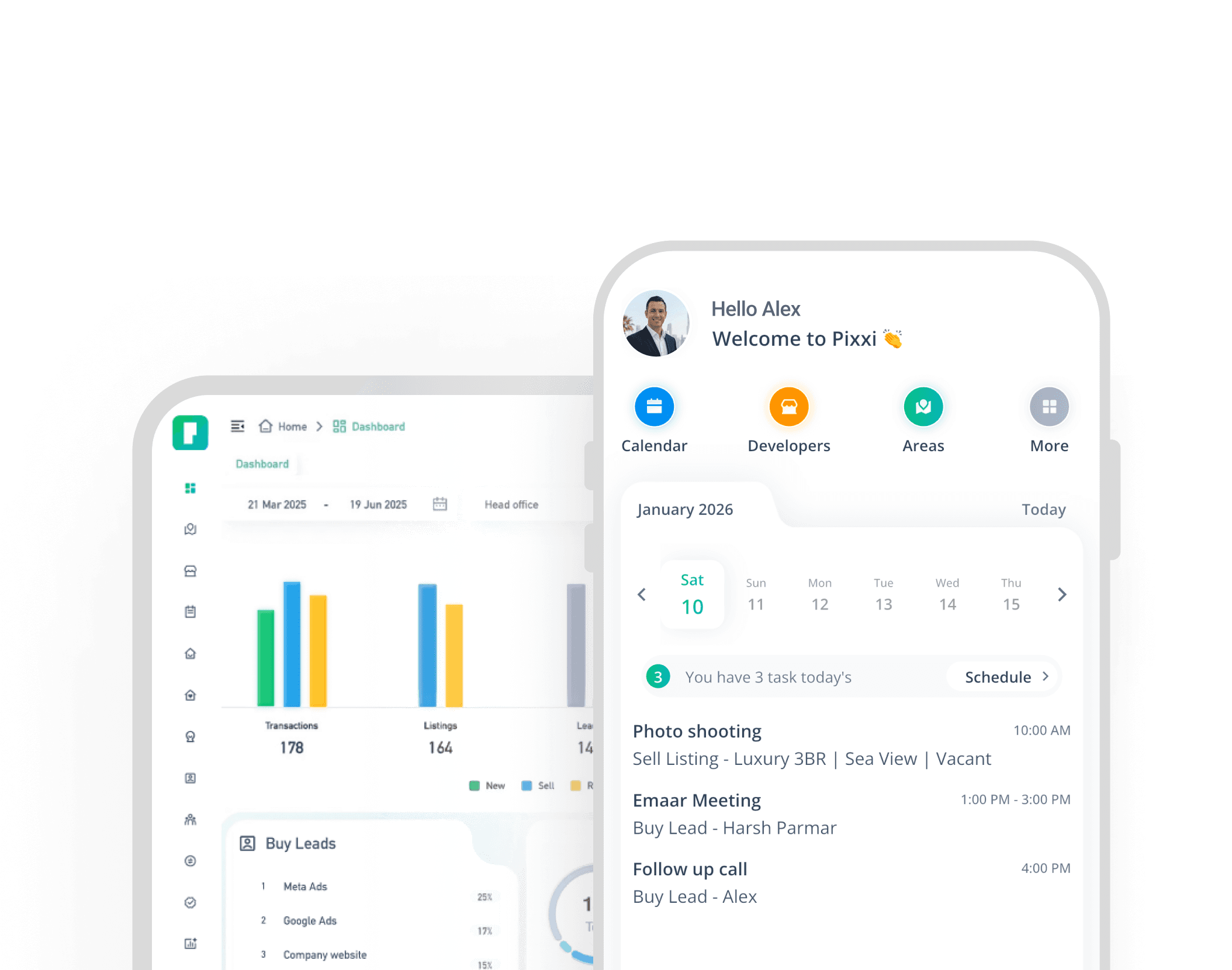
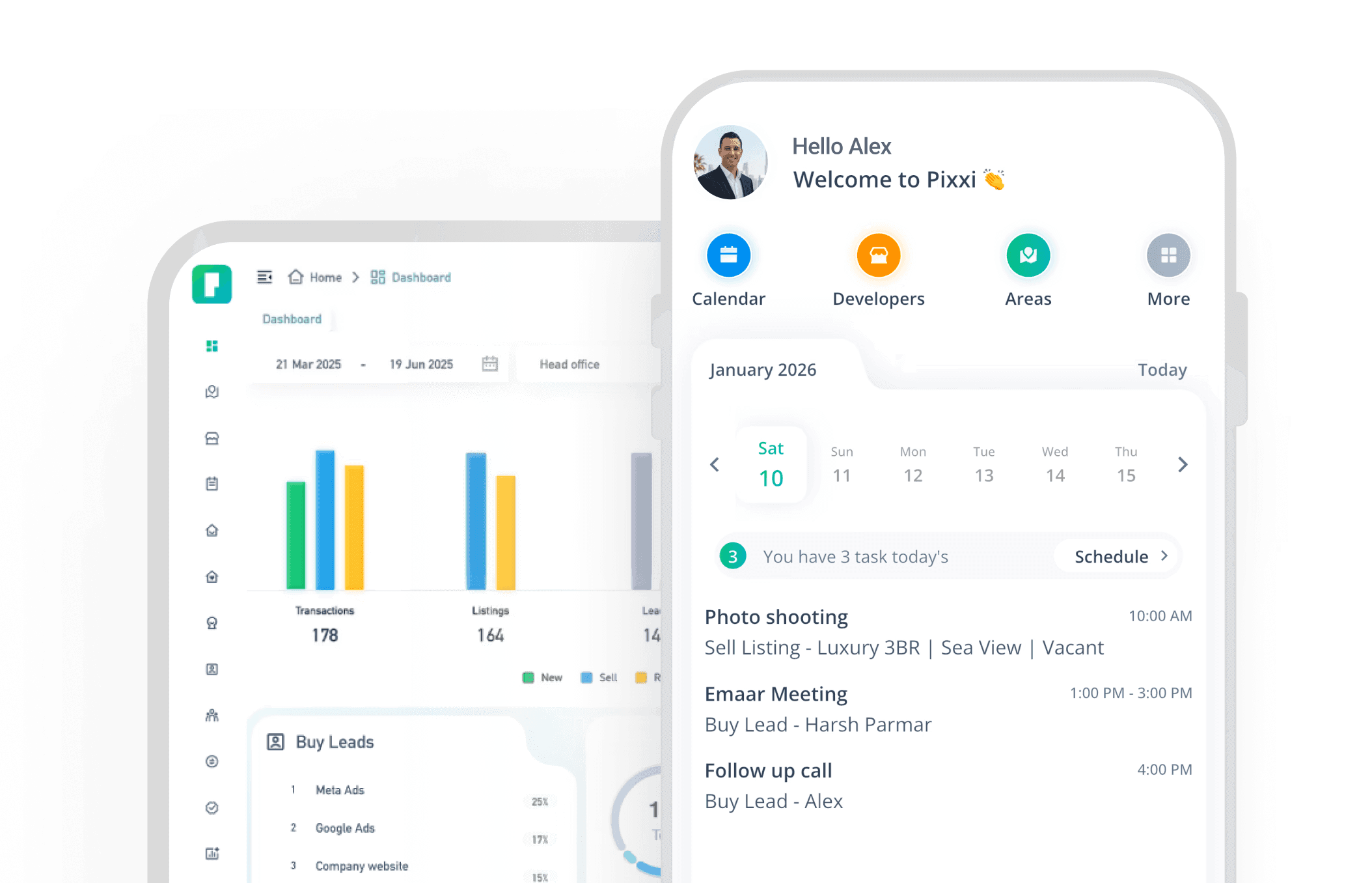
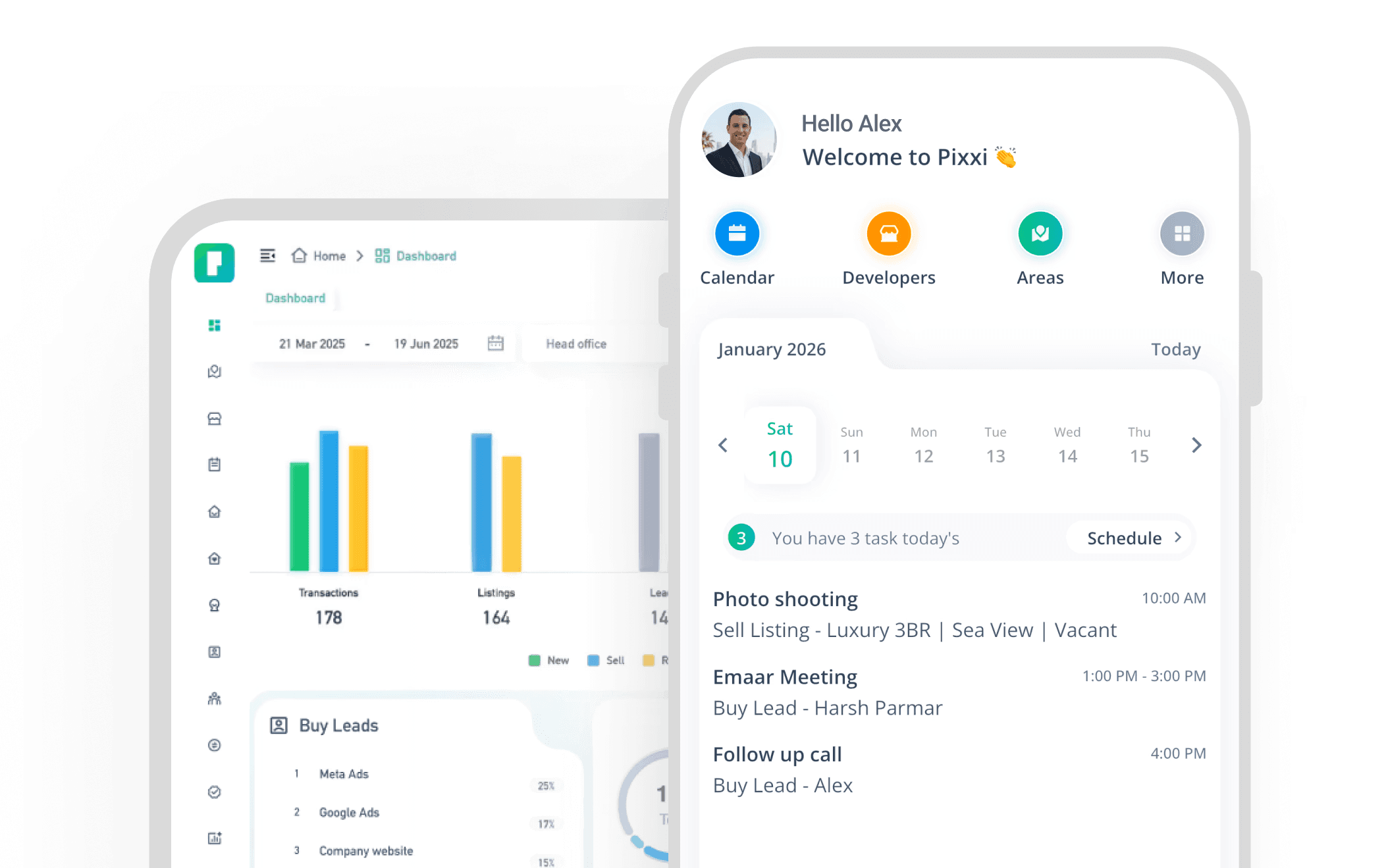
Experience the fastest, most complete real estate CRM on mobile
With Pixxi, your entire business travels with you real-time updates, instant lead access, and seamless team communication.