Back to Integrations

Google Calendar
Overview
Keep your viewings, meetings, and tasks perfectly synchronized with your calendar. The Google Calendar Integration in Pixxi CRM automatically pushes all your scheduled activities, ensuring your day stays organized, productive, and on time.
How to Setup
Go to Integrations → Google Calendar inside your Pixxi CRM.
Sign in with your Google account.
Approve permissions and enable two-way synchronization.
Benefits
Two-way sync for meetings, events, and reminders.
Automatic calendar updates for property viewings and client follow-ups.
Smart alerts and notifications to ensure you never miss a task.
Double reminders for extra reliability and productivity.
Why It Matters
In real estate, timing is everything. With Pixxi CRM’s Google Calendar integration, every meeting, showing, and follow-up stays coordinated, helping you close deals faster and maintain professional reliability with your clients.
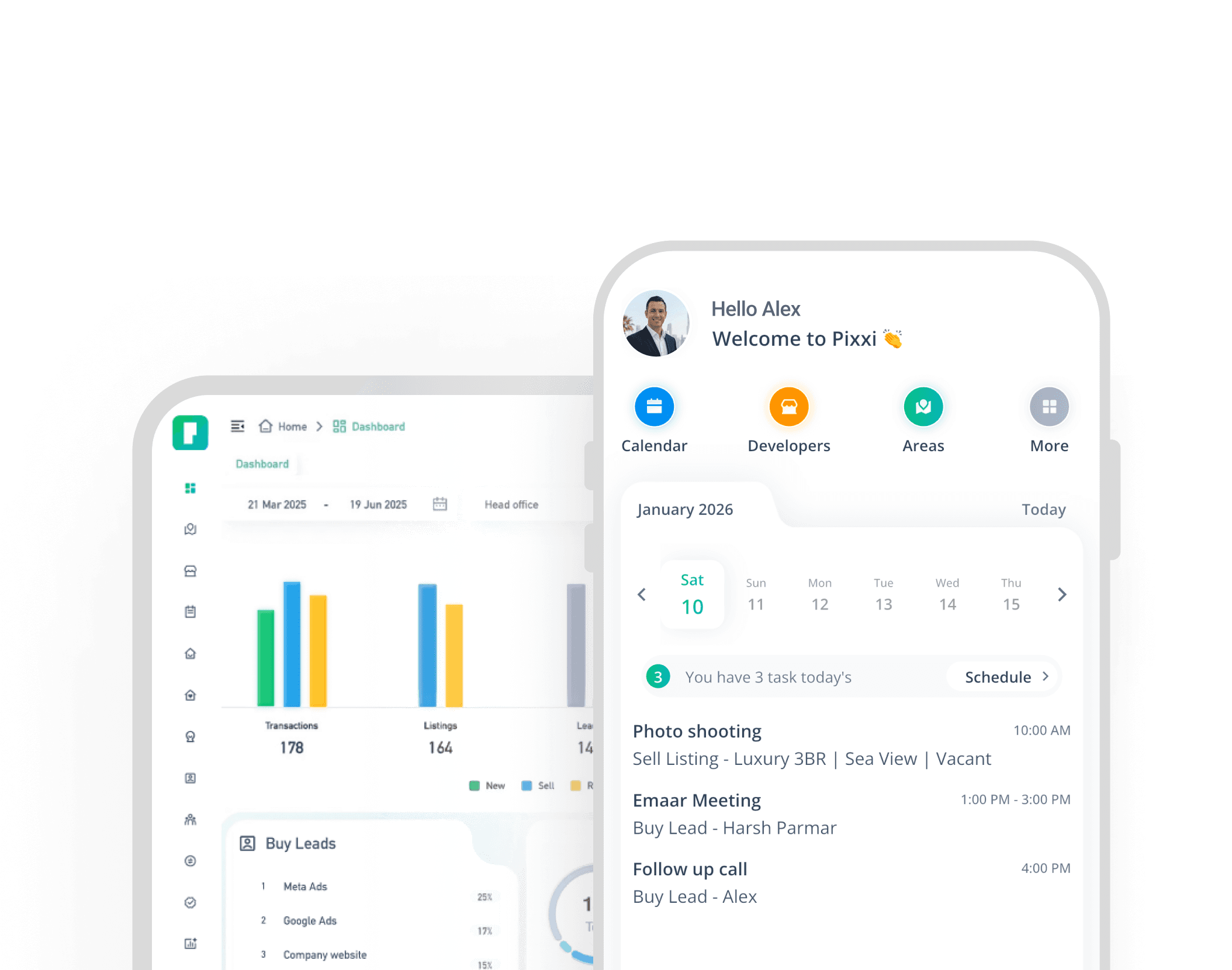
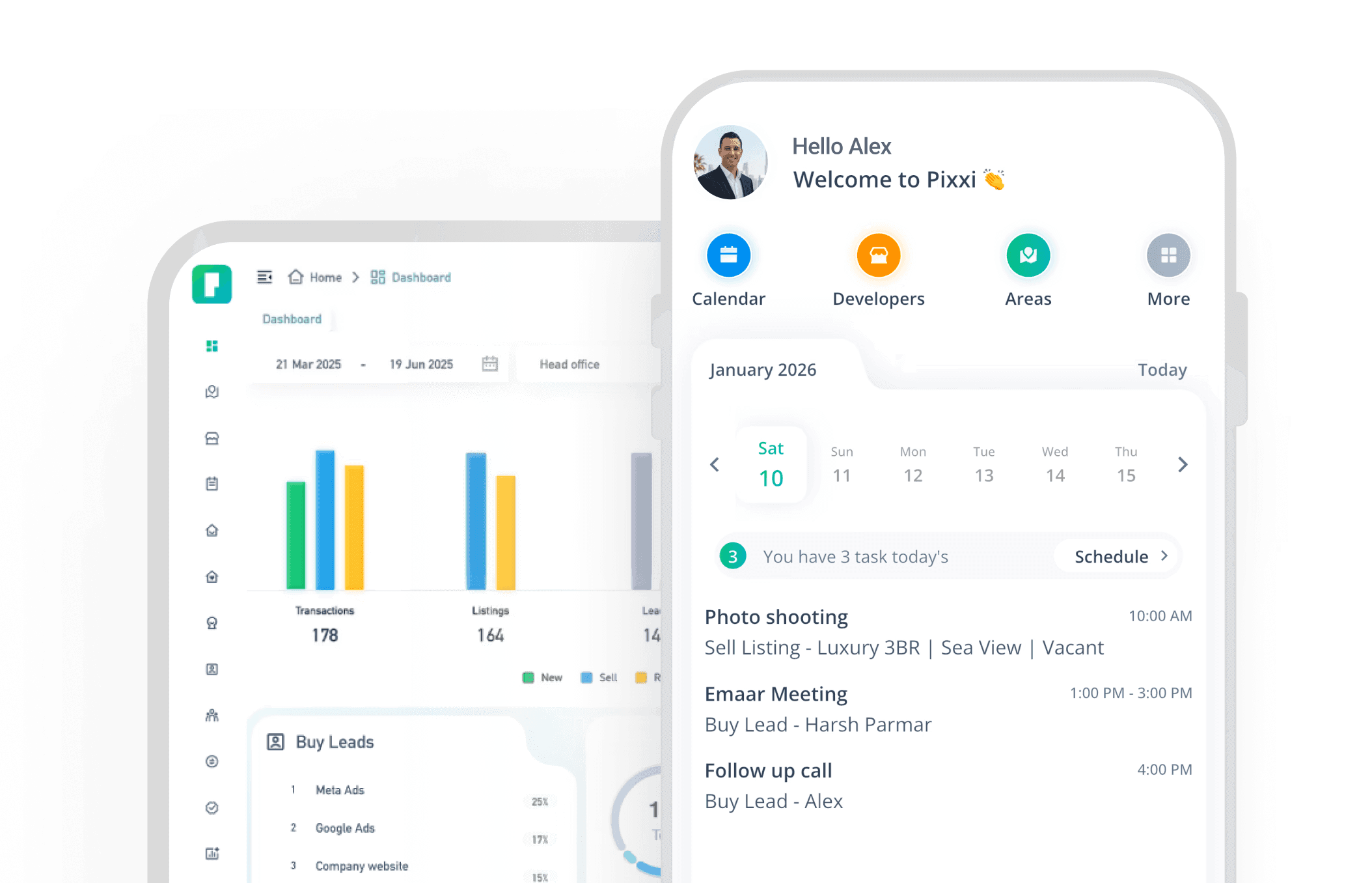
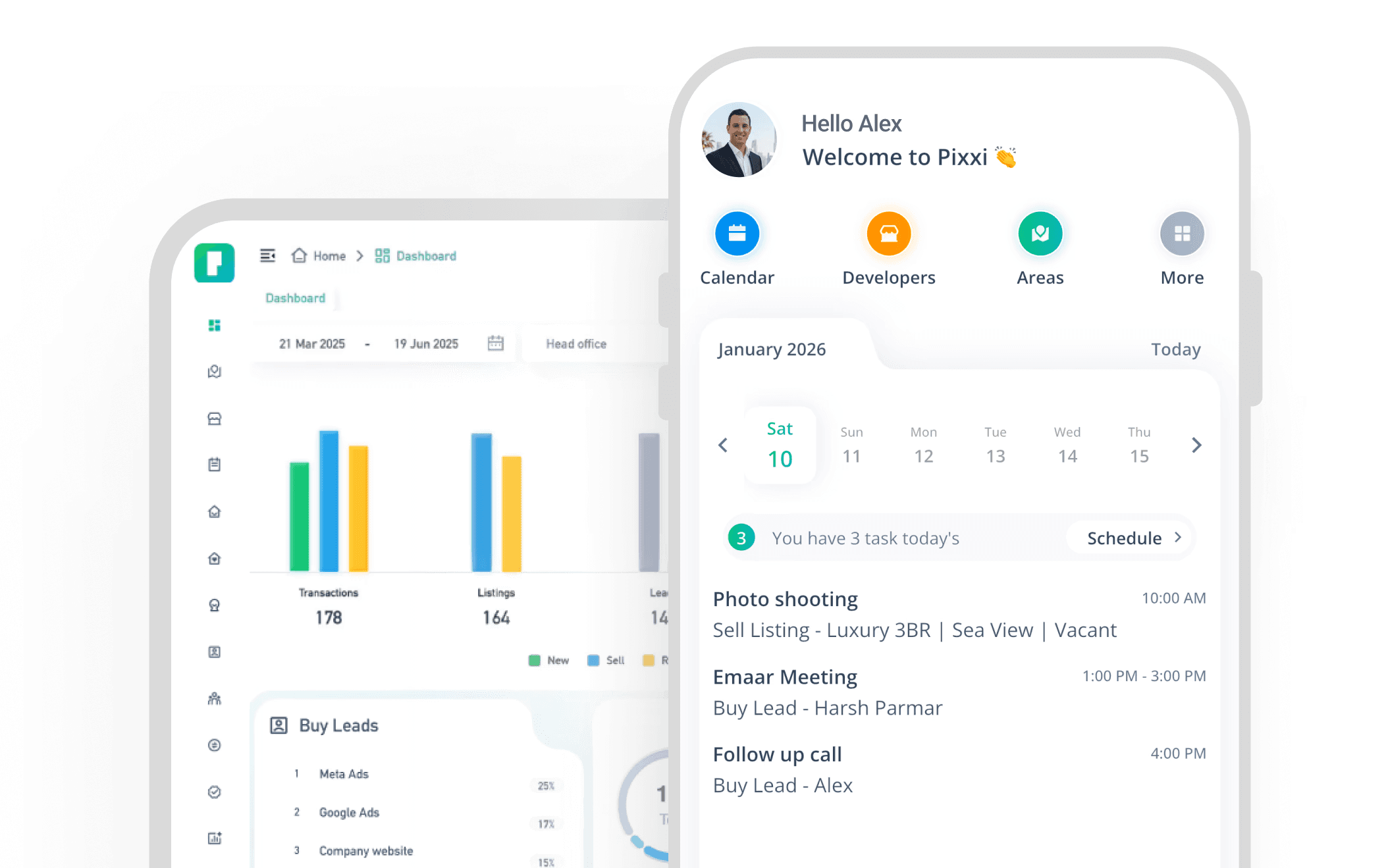
Experience the fastest, most complete real estate CRM on mobile
With Pixxi, your entire business travels with you real-time updates, instant lead access, and seamless team communication.